Zero Dongle review
By Rob Zwetsloot. Posted

Turn your Pi Zero into a USB gadget with ease thanks to this inexpensive add-on.
One incredible use of the Pi Zero that often gets overlooked is its ability to function as a USB gadget – you can connect it to a computer’s USB port and have it act like a USB plug-and-play device. This can be as simple as having it power on, act as USB mass storage, or even share your computer’s internet connection.
This article first appeared in The MagPi 80 and was written by Rob Zwetsloot
The trickiest part of setting up a Pi Zero gadget is adding the necessary hardware to connect it. Male-to-male micro USB to USB A cables aren’t very common, and not particularly neat. This is where something like the Zero Dongle comes in – slotting neatly under a Pi Zero, it’s a solid piece of PCB connecting a USB A male connector to a micro USB male connector.
Dongle not dangle
The Zero Dongle fastens onto a Pi Zero (any Pi Zero) using a couple of screws on the SD card end. It’s quite sturdy so you shouldn’t have to worry about it snapping down the middle. There’s only the smallest protrusion on the side, so it can slide into the Pi Zero’s micro USB data port, although it does extend out a fair bit with the main USB A connector – but that’s unavoidable.
The dongle does not automatically set up your Pi as a gadget – there are no specific chips on it that will do that – so you’ll have to make the usual modifications to your SD card. You also might have a little trouble finding a case that fits it.
Those are nitpicks, though – for the price and intended function, it’s exactly what you’d need for a USB gadget add-on.
Verdict
9/10
A great and cheap add-on for a Pi Zero that allows it to work really well as a USB gadget device.

Rob is amazing. He’s also the Features Editor of Raspberry Pi Official Magazine, a hobbyist maker, cosplayer, comic book writer, and extremely modest.
Subscribe to Raspberry Pi Official Magazine
Save up to 37% off the cover price and get a FREE Raspberry Pi Pico 2 W with a subscription to Raspberry Pi Official Magazine.
More articles
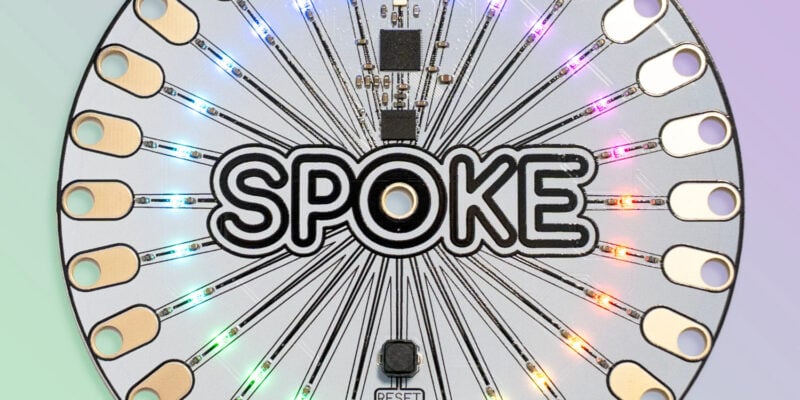
SPOKE review – programmable MIDI controller
An RP2040-powered touch controller for music and a lot more.
Read more →
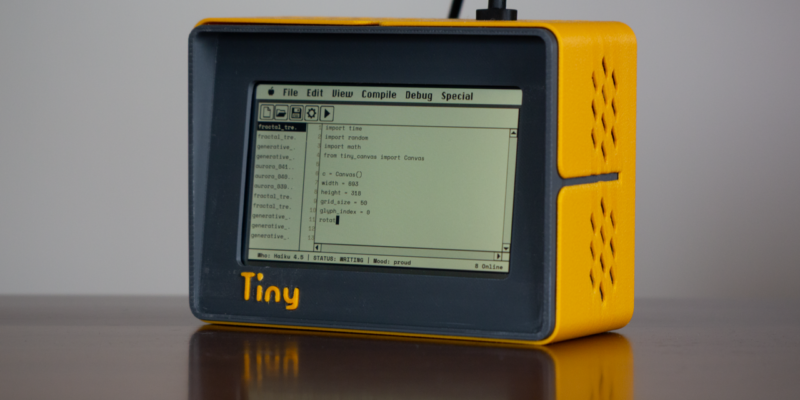
TinyProgrammer
Want a coding companion? TinyProgrammer lets you watch as it tinkers with Python all day. Sean McManus finds out how it works
Read more →
Make a Smart Home in Raspberry Pi Official Magazine issue 167
The dream of smart, connected devices controlling your home automatically, is especialy appealing on a lazy day when we’re trying to get work done in a heatwave. Maybe this will be the year we finally integrate temperature sensors with fans and a drinks dispenser to keep us cool, or maybe not, but we do know […]
Read more →